
All Cursor Packs
Browse our full collection of custom cursors. Find your next favorite style and install it for free.
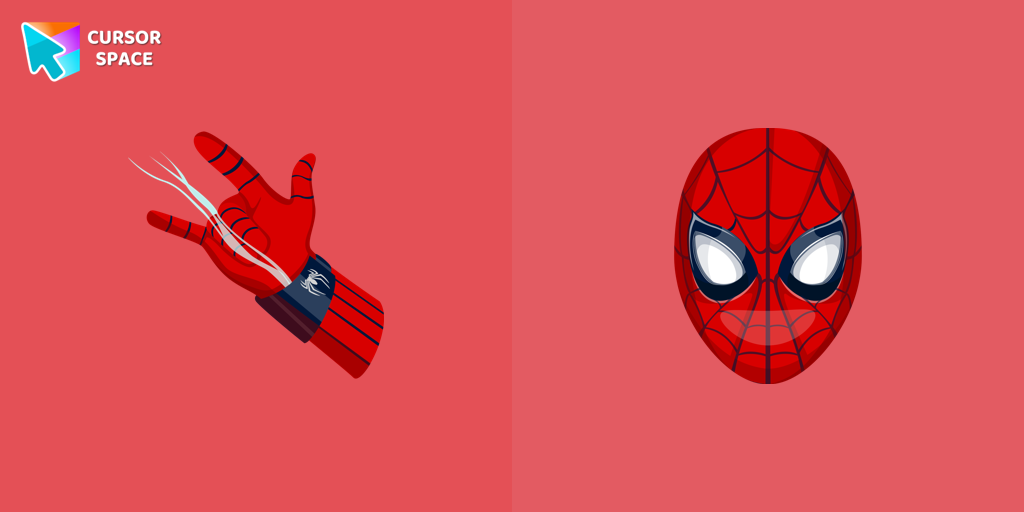 Spiderman cursorTransform your browsing with the Spiderman custom cursor for Google Chrome. Enjoy the thrilling design and web-slinging animations of this iconic superhero.
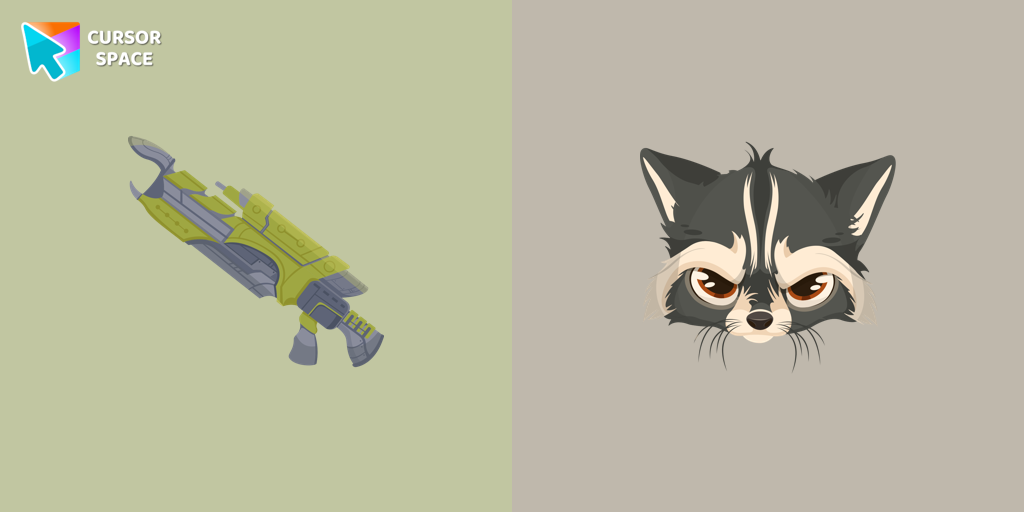 Raccoon cursorTransform your browsing with the Raccoon custom cursor for Google Chrome. Enjoy the playful design and lively animations of this adorable raccoon character.
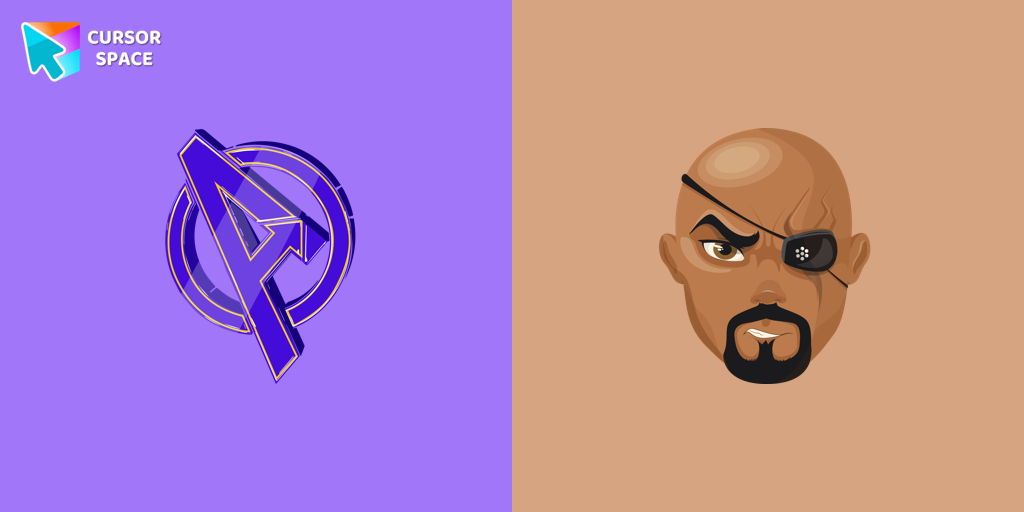 Nick Fury cursorTransform your browsing with the Nick Fury custom cursor. Bring the power of the legendary S.H.I.E.L.D. director to your screen with this unique custom cursor for Google Chrome.
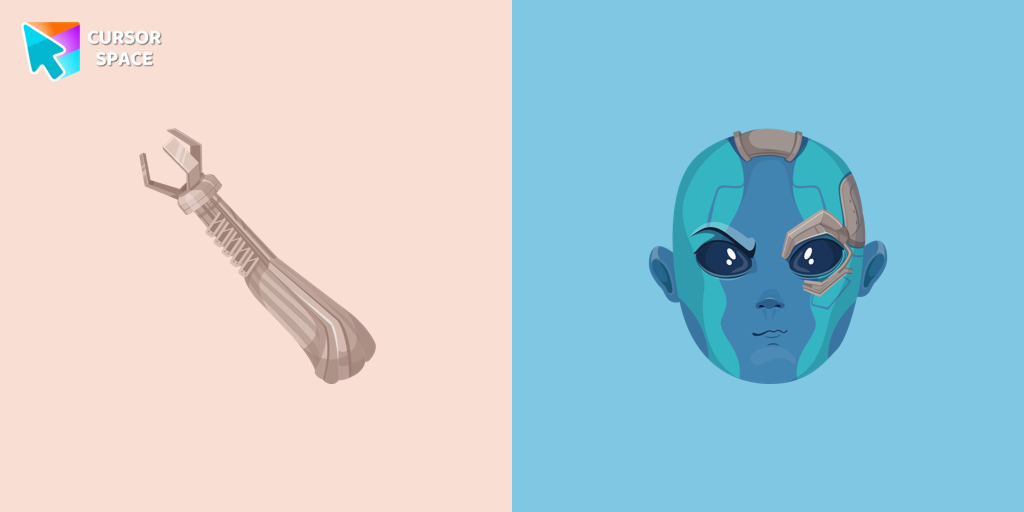 Nebula cursorThe Nebula custom cursor for Google Chrome offers a bold and striking design, perfect for fans of Guardians of the Galaxy. Elevate your browsing experience!
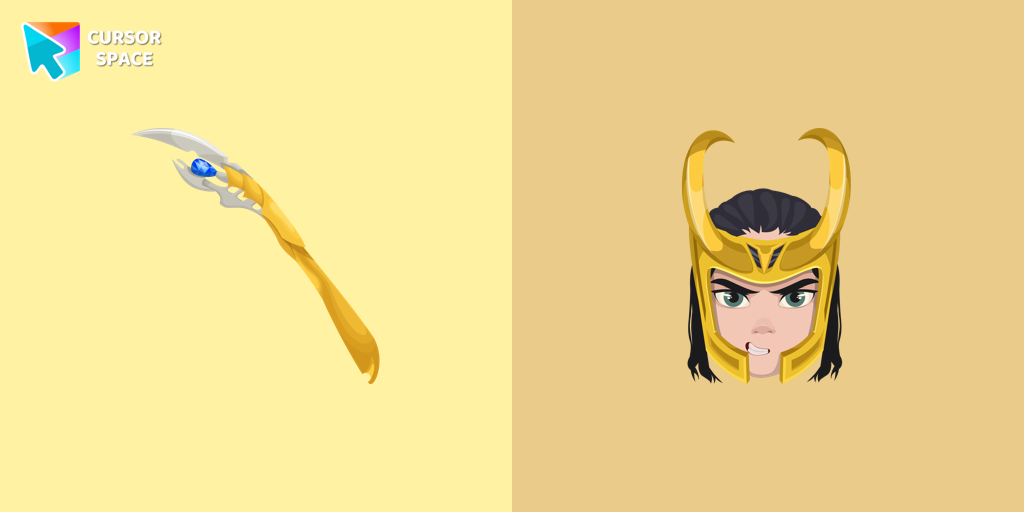 Loki cursorThe Loki custom cursor for Google Chrome brings the mischievous charm of the Marvel anti-hero to your screen, adding a playful touch to your browsing experience.
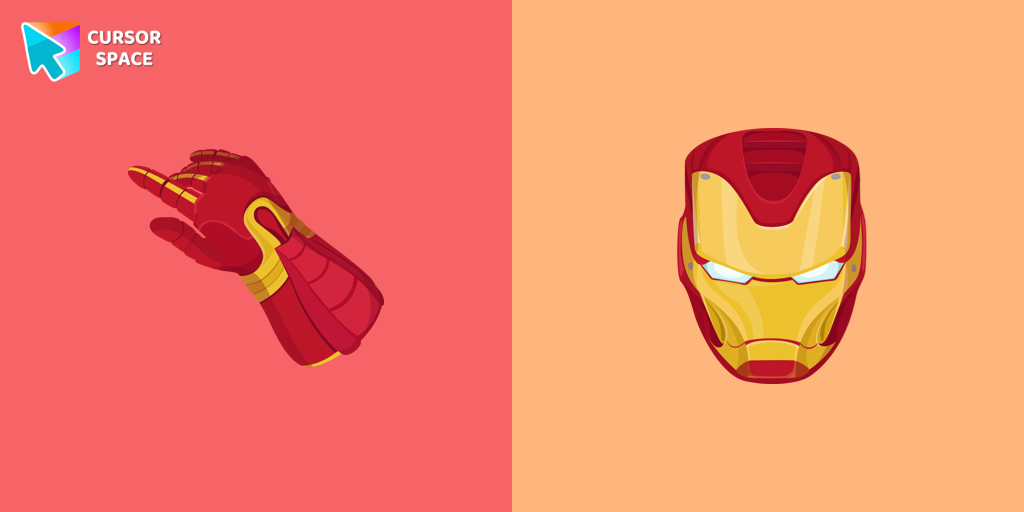 Iron Man cursorUpgrade your browsing with the Iron Man custom cursor for Google Chrome. This sleek and futuristic design adds a touch of sophistication for superhero fans.
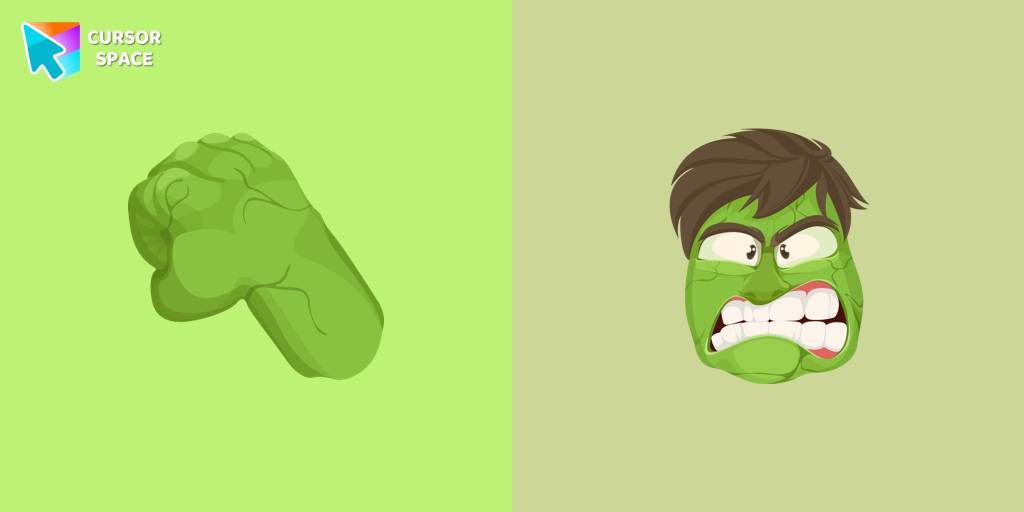 Hulk cursorTransform your browsing with the Hulk custom cursor for Google Chrome. Add excitement and power with this dynamic cursor inspired by the iconic green superhero.
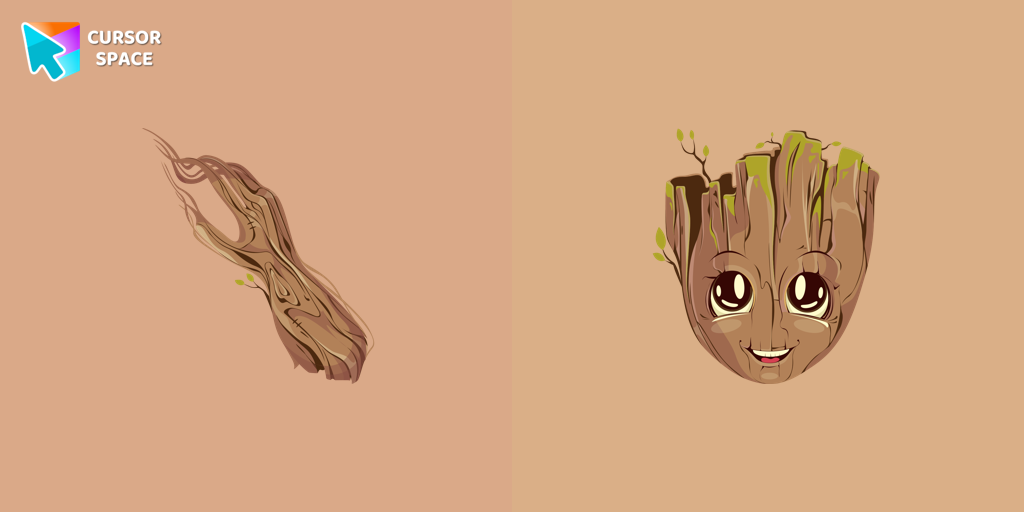 Groot cursorThe Groot custom cursor is a fun and adorable choice for fans, featuring the beloved Groot character from Guardians of the Galaxy. Perfect for Chrome users!
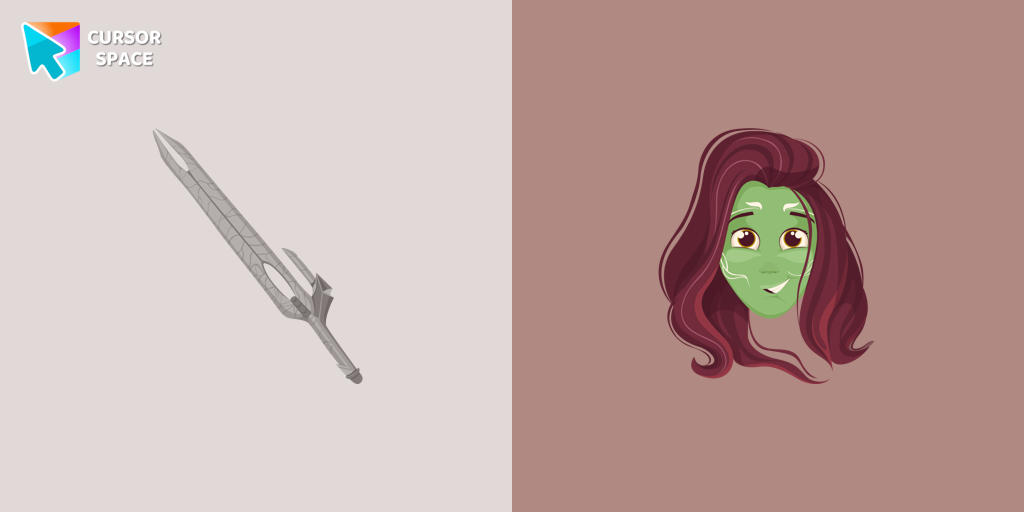 Gamora cursorThe Gamora custom cursor for Google Chrome features a sleek design with the assassin's bladed weapon, perfect for fans of Gamora and unique cursor designs.
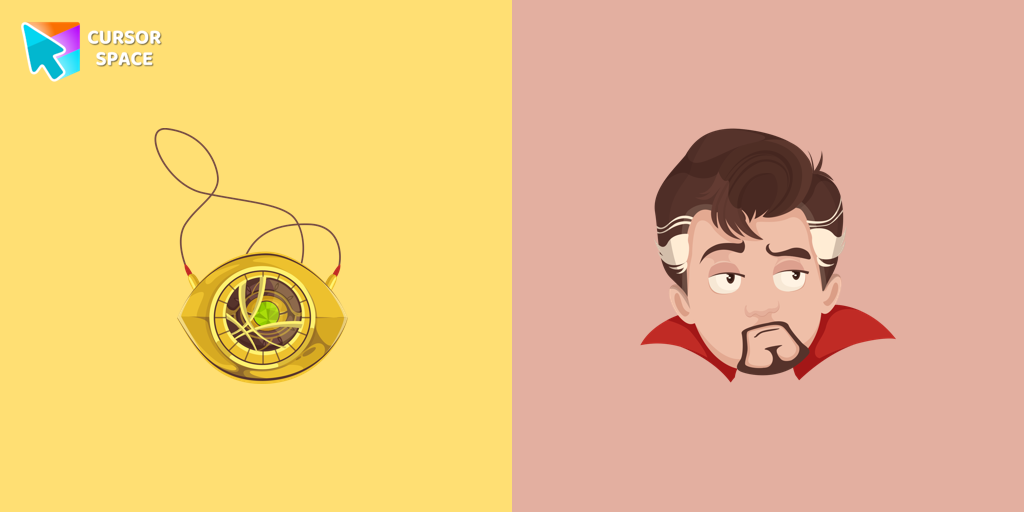 Doctor Strange cursorThe Doctor Strange cursor is a must-have for fans of the Marvel Comics universe, bringing a touch of magic and mystery to your browsing experience.
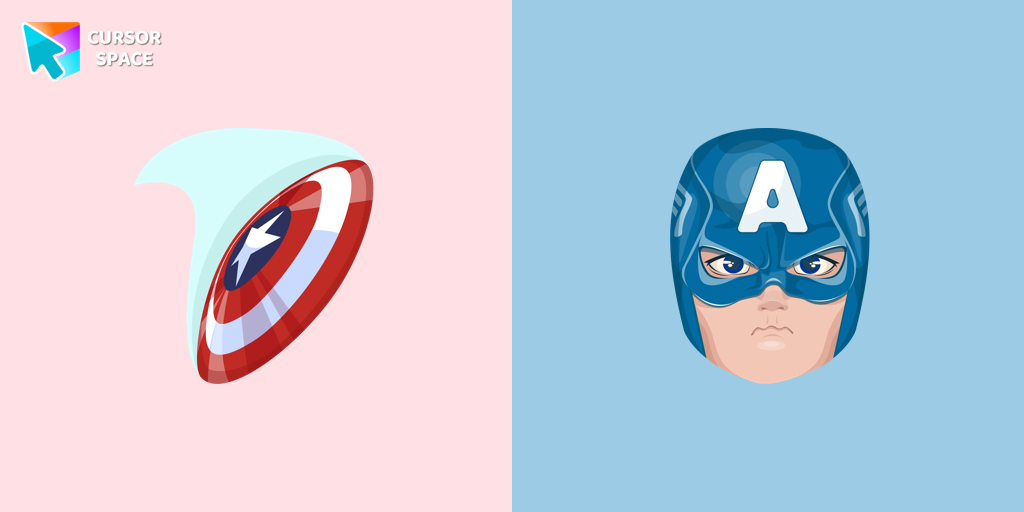 Captain America cursorUpgrade your browsing with the Captain America custom cursor. Featuring Captain America's shield, this custom cursor for Google Chrome adds superhero flair to your screen.
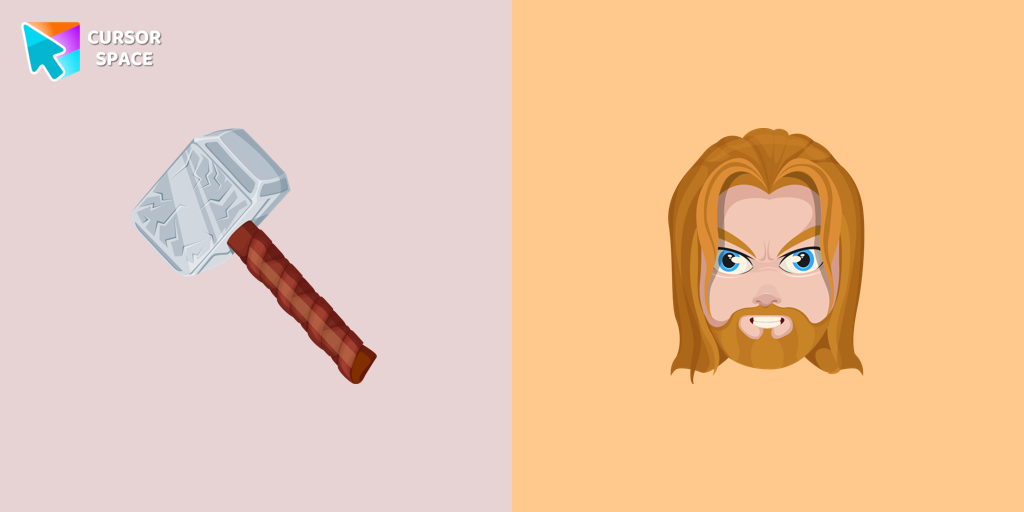 Thor cursorThor Odinson, also known as the God of Thunder, possesses the extraordinary powers of the Asgardians
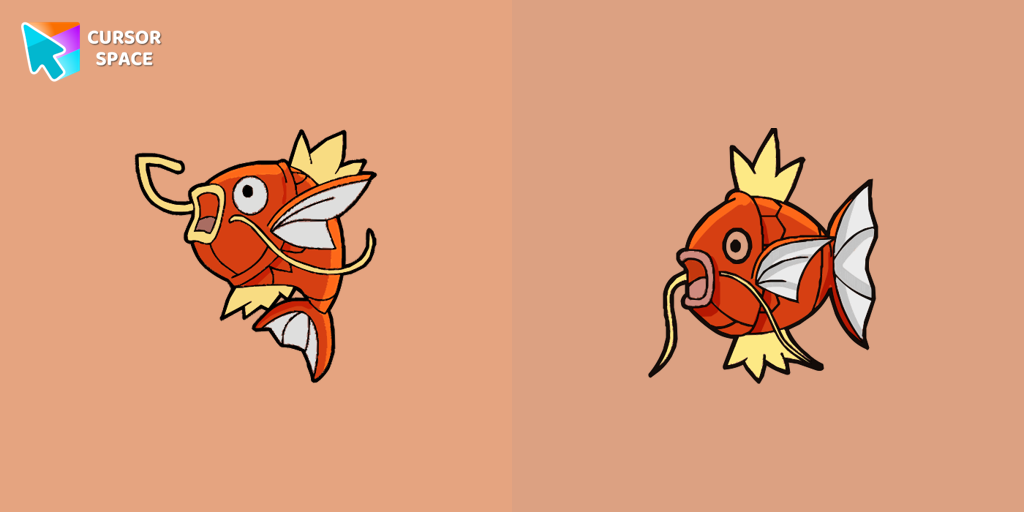 Magikarp cursorAt the request of users, we made a beautiful Pokemon cursor.
This weak and pitiful Pokemon is easily pushed along rivers in strong currents.
It's practically useless in terms of both power and speed.
Magikarp cursorAt the request of users, we made a beautiful Pokemon cursor.
This weak and pitiful Pokemon is easily pushed along rivers in strong currents.
It's practically useless in terms of both power and speed.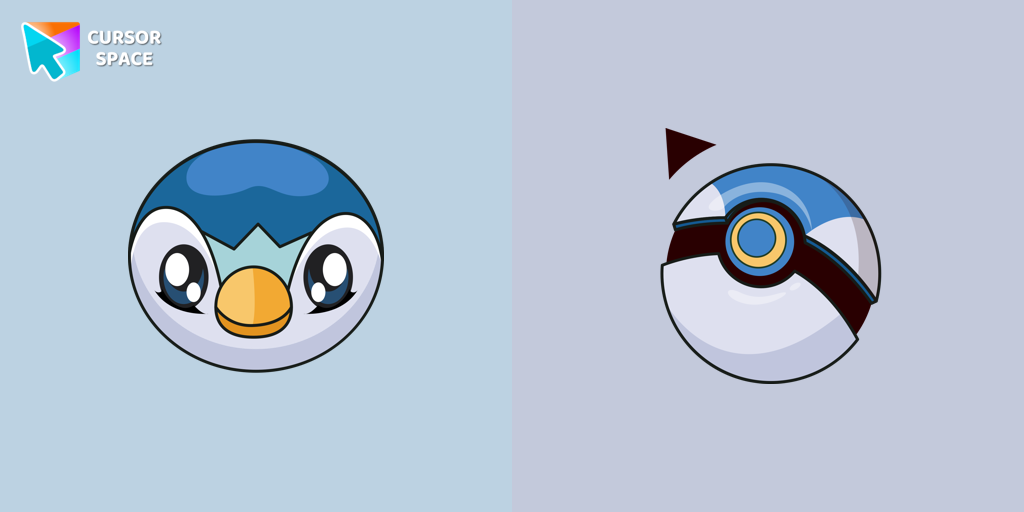 Piplup cursorIn our cute custom cursors collection Pokemon, we have illustrated a Piplup as a custom cursor for a browser in a nice art.
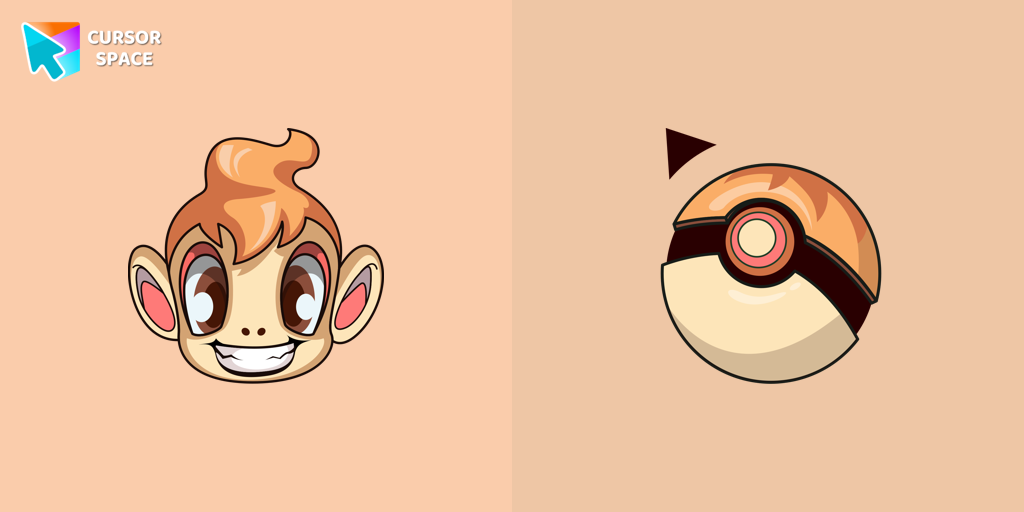 Chimchar cursorChimchar cursor for mouse and custom hover pointer with Poké Ball in a Pokémon collection of custom cursors.
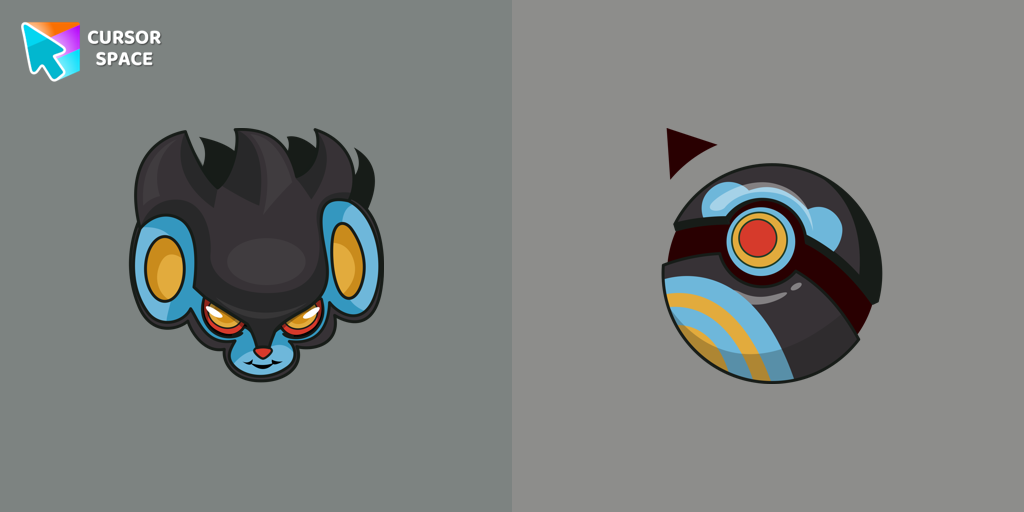 Luxray cursorLuxray custom cursor from our Pokemon cursors collection for mouse and pointer.
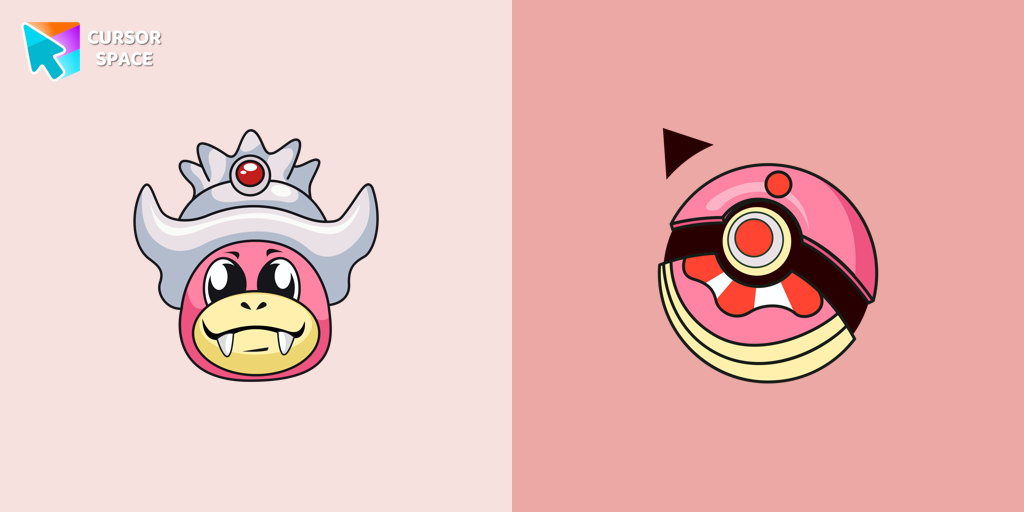 Slowking cursorPoké Ball as a cursor for the mouse and funny Slowking pointer will look pretty nice on your screen.
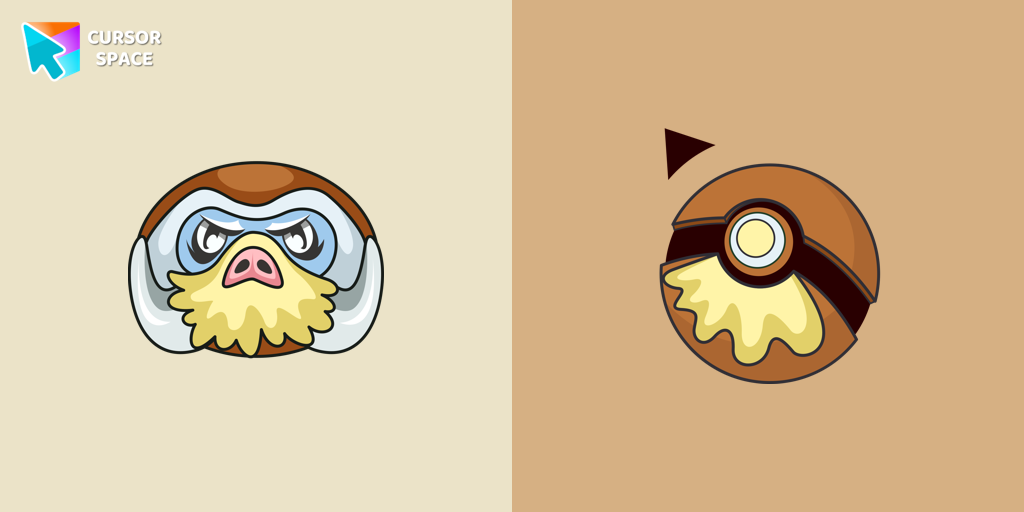 Mamoswine cursorMamoswine Custom Cursor was created especially for our Pokemon collection for Chrome.
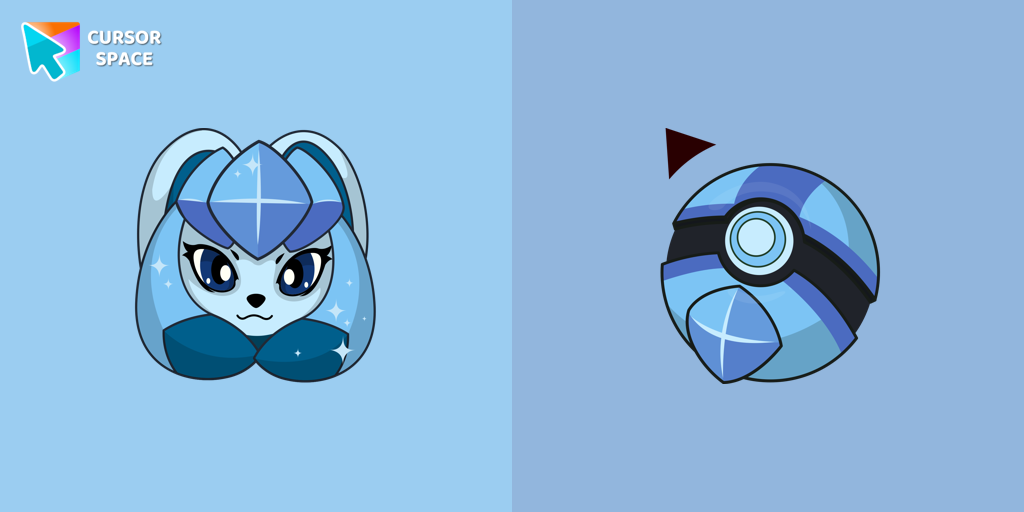 Glaceon cursorThere is a custom cursor with Glaceon as a hover in a set of Pokemon cursors for Chrome.
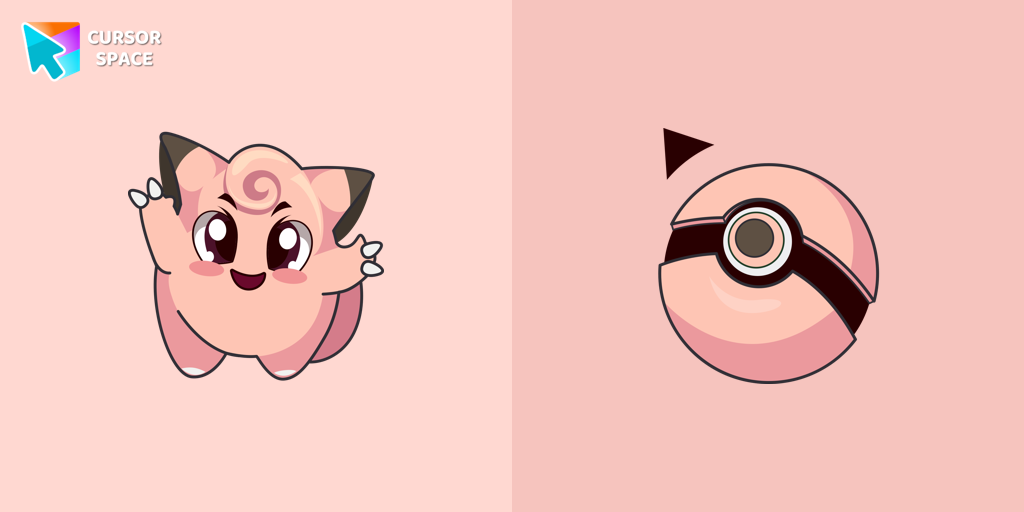 Clefairy cursorCute Clefairy cursor and pointer in our adorable custom cursors collection with Pokemon.
Explore cursor packs by style
Cursor Space packs include curated cursor sets for everyday browsing: cute, minimal, anime, neon, pixel art, and more. Each pack comes with multiple cursor states (like default and pointer) and can be added to your browser in seconds.
Trending now
Fresh picks based on what people install most often.
Collections
Browse themed sets grouped by vibe and aesthetic.
Top charts
See weekly, monthly, and all-time leaders.
How to install a cursor pack
- Open any pack from the grid above.
- Click the install / add button on the pack page.
- If you don’t have it yet, install the Cursor Space browser extension.
- Apply the pack in the extension and enjoy your new cursor.
FAQ
Quick answers to common questions about cursor packs, collections, and installation.
Are cursor packs free on Cursor Space?
Most cursor packs on Cursor Space are free to browse and install. Some packs may be marked premium depending on licensing. The Cursor Space browser extension is free to install from the Chrome Web Store.
Do cursor packs work on Chrome and Edge?
Yes. Install the Cursor Space extension for Chromium-based browsers (Chrome, Edge, Brave), open a pack page, and click install/apply. The extension applies the cursor set across your browser.
How do I install a custom cursor pack?
Open the pack page, click the install or add button, install the Cursor Space extension if prompted, then apply the pack from the extension popup. Your new cursor appears immediately.
Can I change or remove a custom cursor later?
Yes. Open the Cursor Space extension, choose another pack, or restore the default system cursor from the extension settings.
Is the Cursor Space extension safe?
Cursor Space is distributed via the Chrome Web Store and Edge Add-ons. Keep the extension updated, and only install packs from trusted catalog pages on this site.